deviant art

Deviant Login Shop  Join deviantART for FREE Take the Tour
×

Shop Similar Prints

More from *Sabtastic


×

767

25 22 51
Download JPG 1000 × 1247
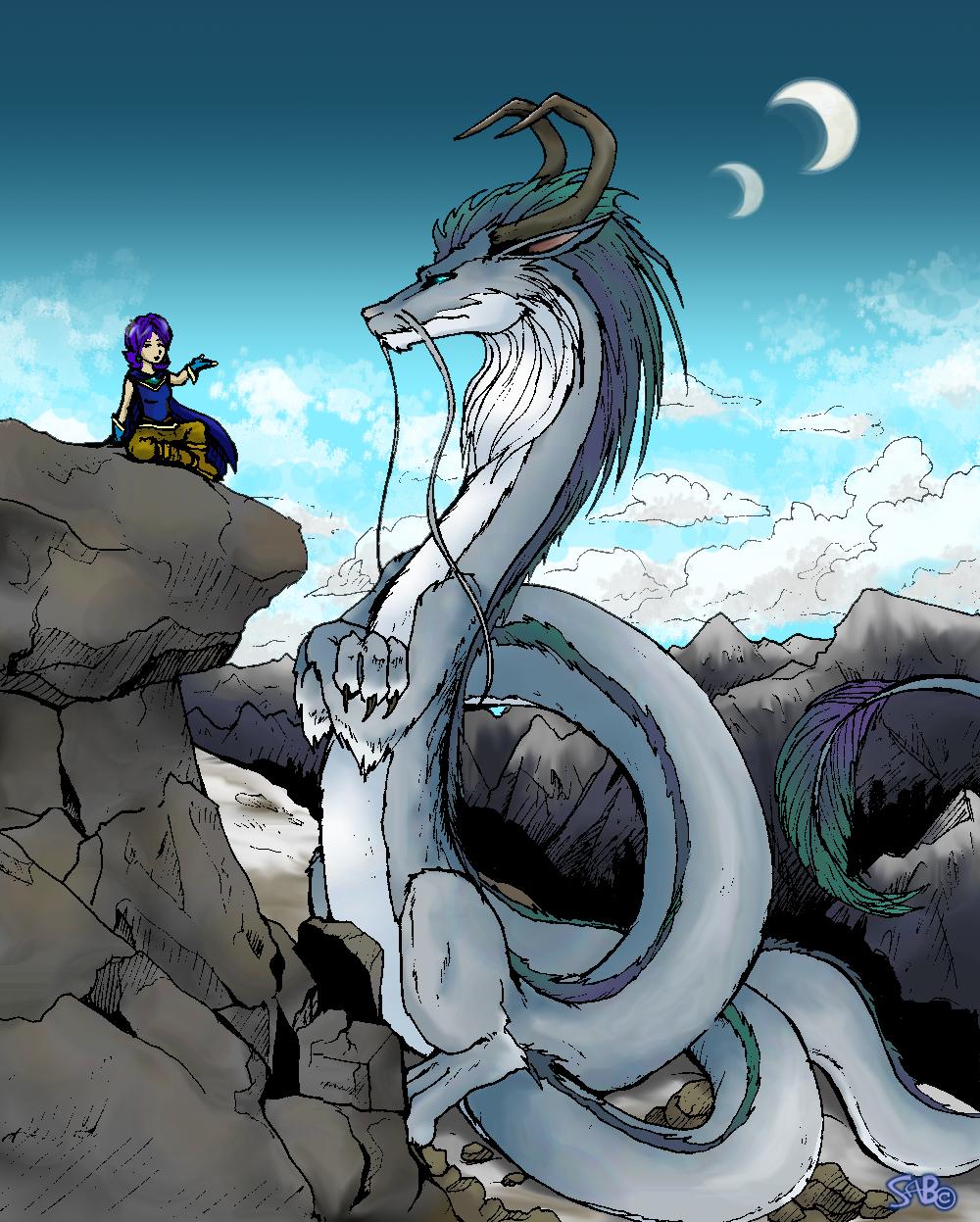
Gyeah.. --I can NEVER save these pics in anything other than JPG!!!1!! >< --It sucks out all the neat smooth colouring with its JPG BLOTCHY-NESS =(

*shakes fist at jpg format* ---How do u ppl make ur pictures so CLEAR and nice?? =O

Uh. anyway, this is just a kind of random dragon picture i drew over the holidays. --The Character talking to / reasoning with the dragon is an origional character of mine, Myra, who's a mage =D

-Drawn in Pencil, Inked, Scanned, Coloured in mostly paint shop pro. --Sky done in Adobe kuz i FINALLY got it working. ^^;
Took about 5 or 6 hours

Details

Stats

Submitted on
January 5, 2006
Image Size
209 KB
Resolution
1000×1247
Views
767
Favourites
25 (who?)
Comments
22
Downloads
51
URL
Thumb
Embed
Only verified accounts can report policy violations. Please check your email and click on the verification link.
* Required field
Add a Comment:
 
:iconkeishi27:
I use Jpeg for all my images... maybe you need a new scanner?
Reply
:iconsabtastic:
*Sabtastic Apr 10, 2008  Professional Digital Artist
Thanks for the advice. =P
This picture is actually a few years old, so I've long solved this problem. :3
Turns out it was because I had a really old version of PaintShop Pro, and it reduced the quality of jpegs every time it was saved over.

Now that I have Adobe Cs3 programs, it's never given me that problem. :)
It helps to make your pictures over 900pixels wide / high too. I used to make them too small. :\
Reply
:iconkeishi27:
woohooo CS3 *the light shines down from the heavens and angels sing*
Reply
:iconradioactive-insanity:
~Radioactive-Insanity Apr 25, 2006  Student Digital Artist
Aweshum stuff. The dragon, its colouring, and the rocks are of total awesomeness. Awesome. :+fav: definately. And a suggestion for the JPG problem.. I'm not sure if all comps have it, but when you go to select a file extension for your pic once you save it, there should be a PNG option.. that's what I use for most of my pictures, it seems to keep them much less fuzzy and blotchy than JPG's. I'm not sure if it works on other comps or if they even have it, but let me know if it does..
Reply
:iconsabtastic:
*Sabtastic May 5, 2006  Professional Digital Artist
hey thanks =D
--yeah, i'm pretty sure there's a PNG setting on my computer when i save my art---but i remember a lot of times i've used it and some of my pictures aren't viewable :( --I didn't know if they'd be better or worse either so i stuck to JPGs lol ---Time to try it out i guess :P
--anyway thnx alot for the tip and comment =D :hug:
--'preciate it! =)
Reply
:icondraven-mors:
Cool. :) I still looks great despite the blotchy-ness you speak of. :) Thumbs up. :)
Reply
:iconsabtastic:
*Sabtastic Jan 6, 2006  Professional Digital Artist
Awhh :hug: Thankyouuu =D
Reply
:icondraven-mors:
You'rrrre welcome. :D
Reply
:iconscullychan:
wow!! Thats great!!! GOOD JOB!!
Reply
:iconsabtastic:
*Sabtastic Jan 6, 2006  Professional Digital Artist
:glomp: Awh why thankyu =D
Reply
Add a Comment: